Lighting for Computer Work: The Order to Set It Up In, With the Numbers
How to light a computer desk in order: window, room light, task lamp, then the screen and calls, with lux figures from CCOHS, OSHA and others side by side.

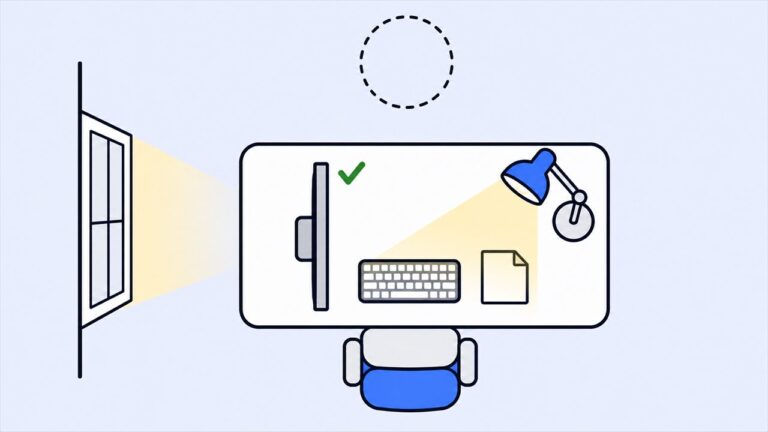
How to light a computer desk in order: window, room light, task lamp, then the screen and calls, with lux figures from CCOHS, OSHA and others side by side.
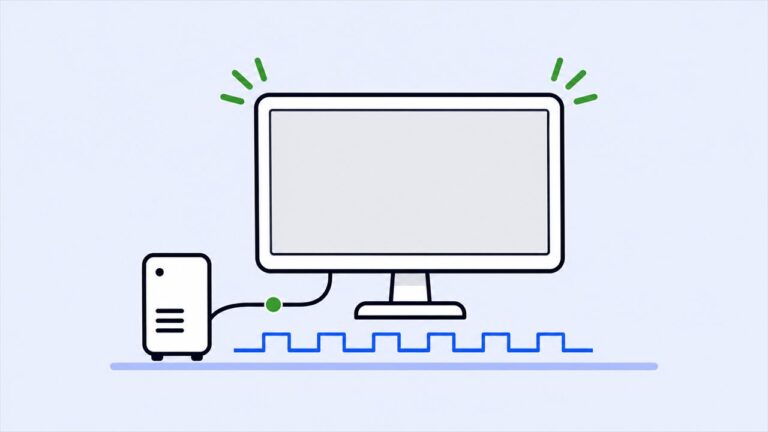
Sort your flicker by what you see, run three tests to find the fault, then follow the fixes in the order Microsoft, Apple, BenQ, Samsung and Dell give them.
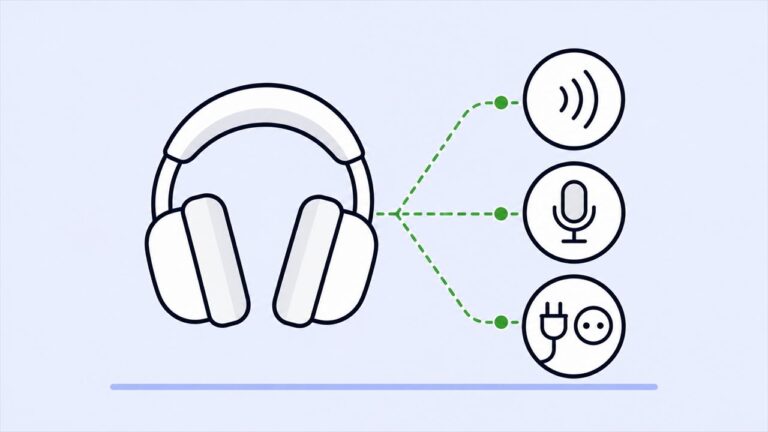
Match your headphone or headset problem to the right fix guide, and run three quick tests that show whether the headphones, the port or the computer is at fault.
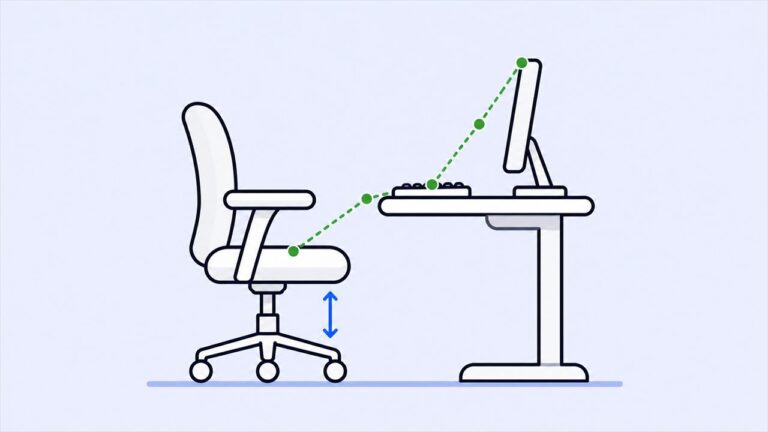
How to set up an ergonomic desk in the right order: chair, elbows, keyboard, monitor and the rest, with the numbers OSHA and CCOHS give and a guide for each step.
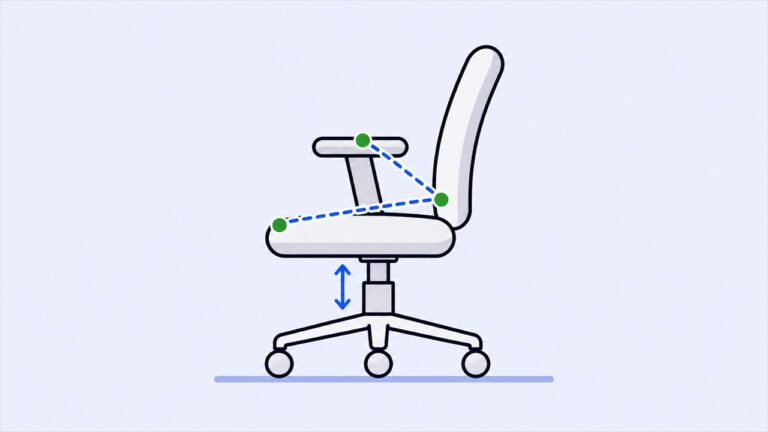
How to adjust an office chair in order: seat height, seat depth, back, armrests and tilt, using the numbers OSHA, CCOHS and HSE give, and what to do if your chair cannot.
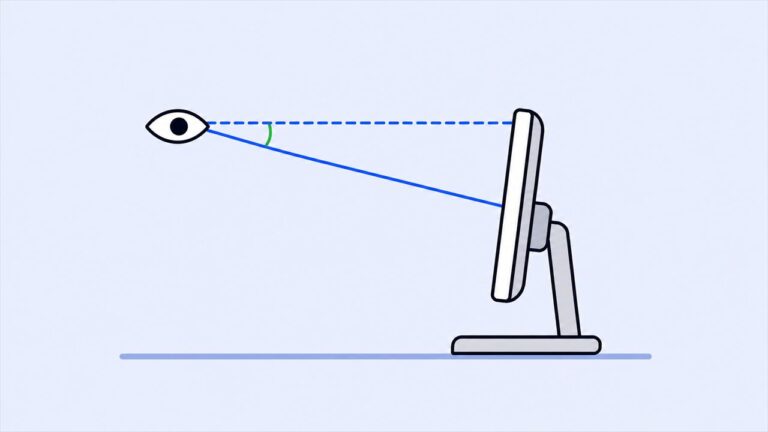
How high to put your monitor and how far away, using the numbers OSHA and CCOHS publish, a tape-measure worksheet and a reference list that turns degrees into inches.
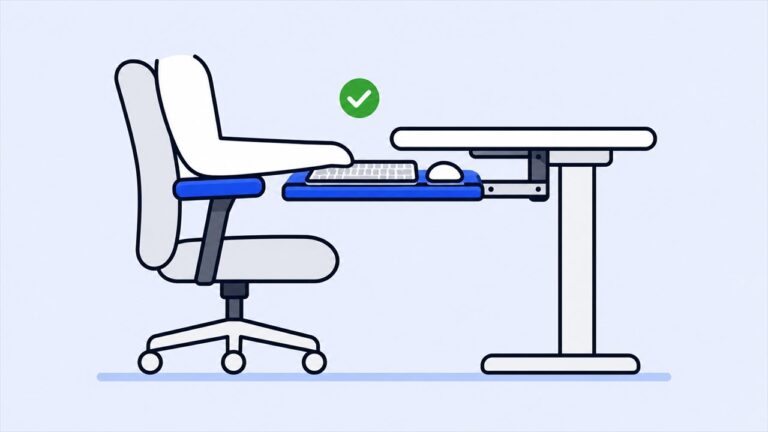
Five under-desk keyboard trays compared against OSHA’s tray criteria, with the desk thickness, adjustment, capacity and warranty each listing states, and a way to check your elbow height.

Five leather and vegan-leather desk mats compared by the material wording, size, thickness and warranty each listing states, plus a way to measure your desk and what the FTC says.
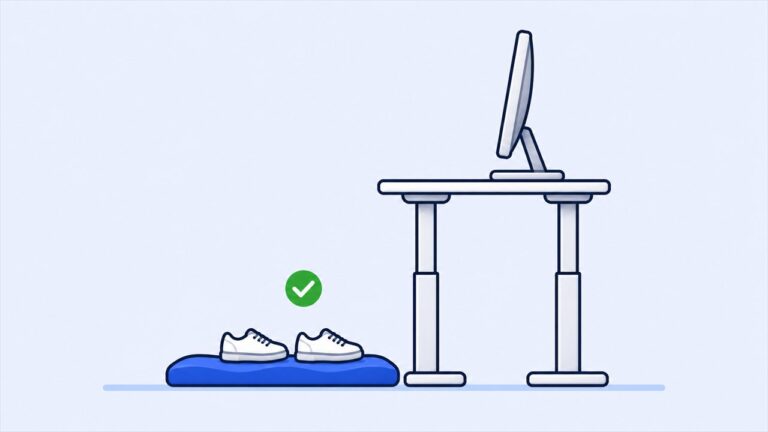
Three standing-desk mats compared by the size, thickness, weight and warranty each maker states, with a note on what the studies show about mats and a way to check the fit.
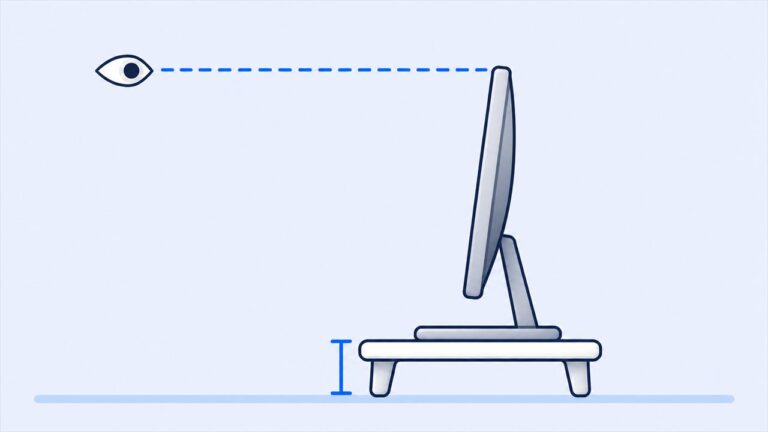
Six monitor risers compared by the height and weight rating each one states, with a way to work out how high you need and a note on where the listings say nothing.