Lighting for Computer Work: The Order to Set It Up In, With the Numbers
How to light a computer desk in order: window, room light, task lamp, then the screen and calls, with lux figures from CCOHS, OSHA and others side by side.

Desk Lighting covers the light on your screen and your desk: monitor light bars, bias lighting, desk lamps, glare, screen flicker and lighting for video calls. We use the makers’ pages, say where the evidence is thin, and do not test products ourselves.
Not sure where to start?
Plan the whole setup: lighting for computer work.
Light your screen and desk: monitor light bars (with a fit check for a thin or slim monitor), swing-arm and gooseneck desk lamps or bias lighting behind your monitor.
Fix glare and flicker, and light your calls: reduce glare on your monitor, fix a flickering monitor or light your face for video calls.
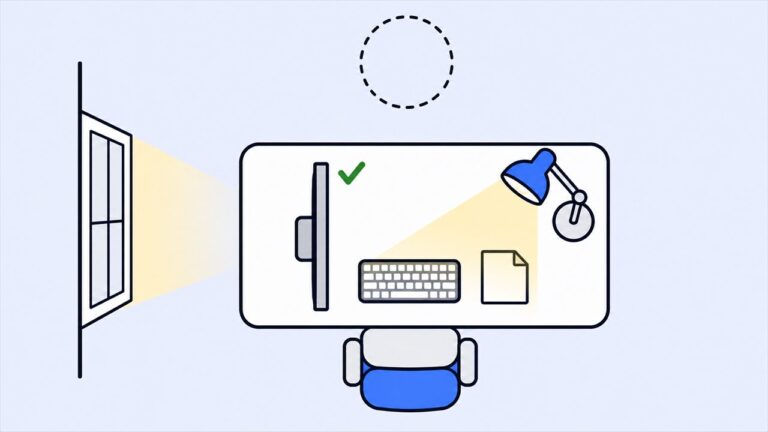
How to light a computer desk in order: window, room light, task lamp, then the screen and calls, with lux figures from CCOHS, OSHA and others side by side.
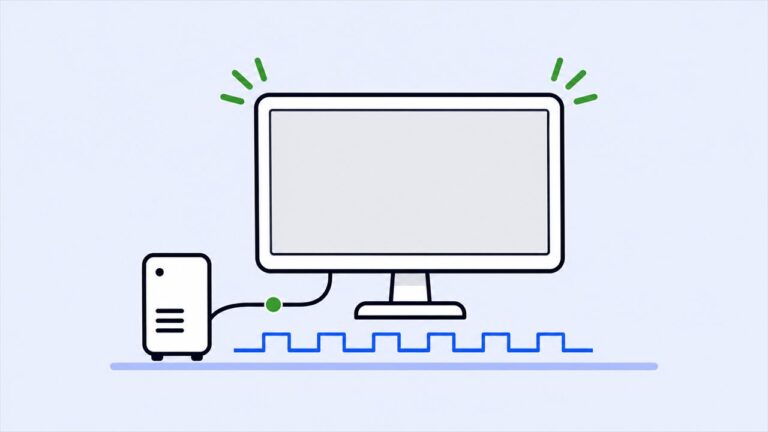
Sort your flicker by what you see, run three tests to find the fault, then follow the fixes in the order Microsoft, Apple, BenQ, Samsung and Dell give them.
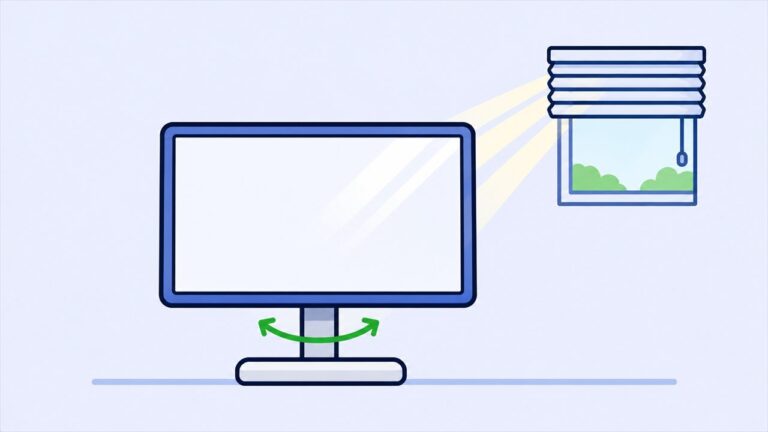
How to tell which kind of glare you have, and the fixes in order: turn the screen away from the window, shade the light, aim lamps at the desk, set the brightness and, last, add a filter.
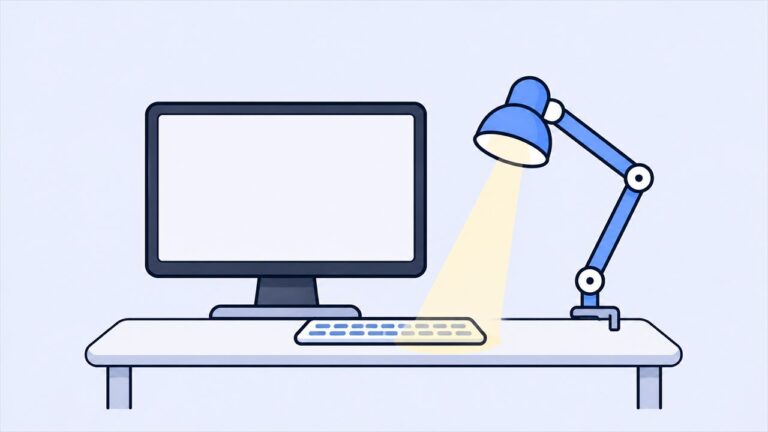
Five adjustable-arm desk lamps for a computer desk, how to choose between a swing arm and a gooseneck, and where to put the lamp so it does not glare on your screen.
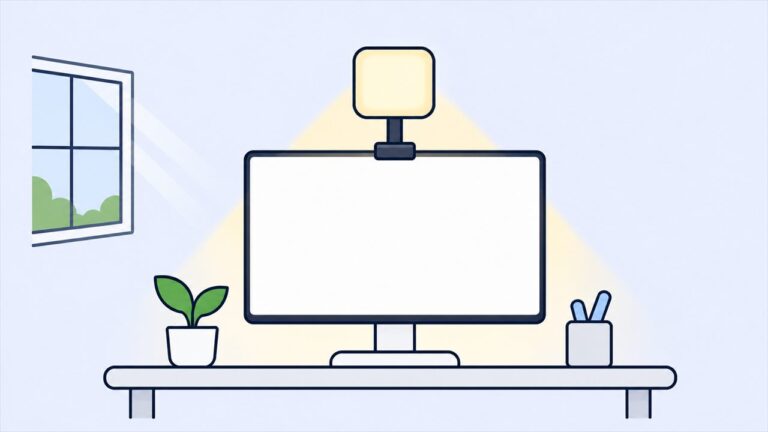
Where to put a light for video calls, what color and brightness to aim for, which Zoom, Meet and Teams settings help, and three lights worth a look.
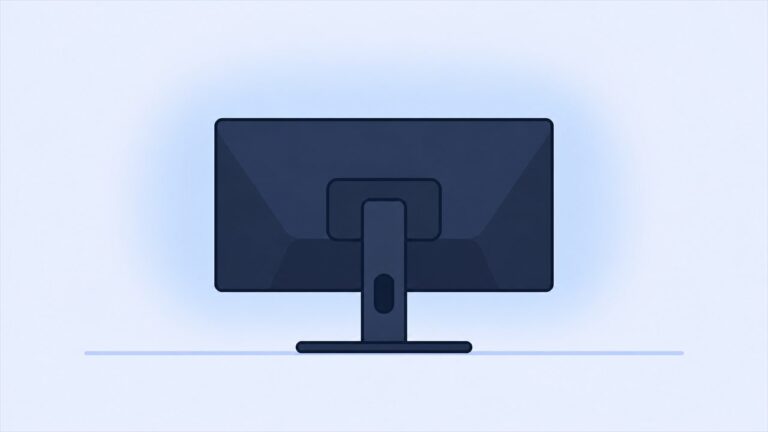
What bias lighting for a monitor is, which color temperature and brightness makers suggest, where to put it, and the main ways to add it. We found no independent test for eye strain.
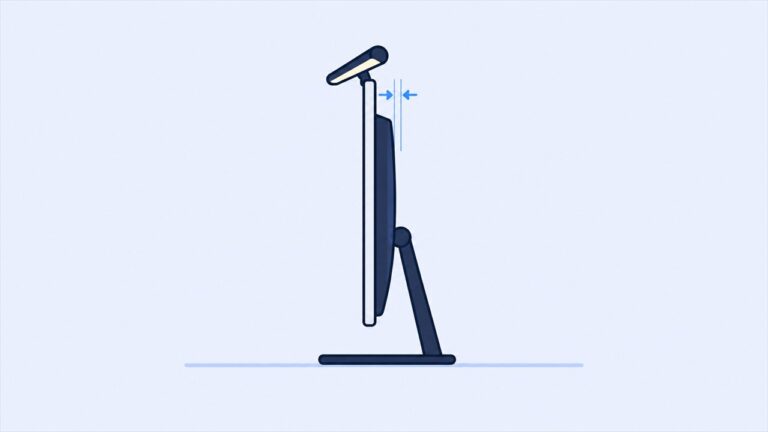
Wondering if a light bar fits a thin or slim monitor? Measure the thickness, compare it with the maker’s range, and see when a desk clamp is the better choice.

Which monitor light bar suits your desk? We compare four picks for single, dual and curved screens, explain bias lighting, and flag the drawbacks reviewers found.